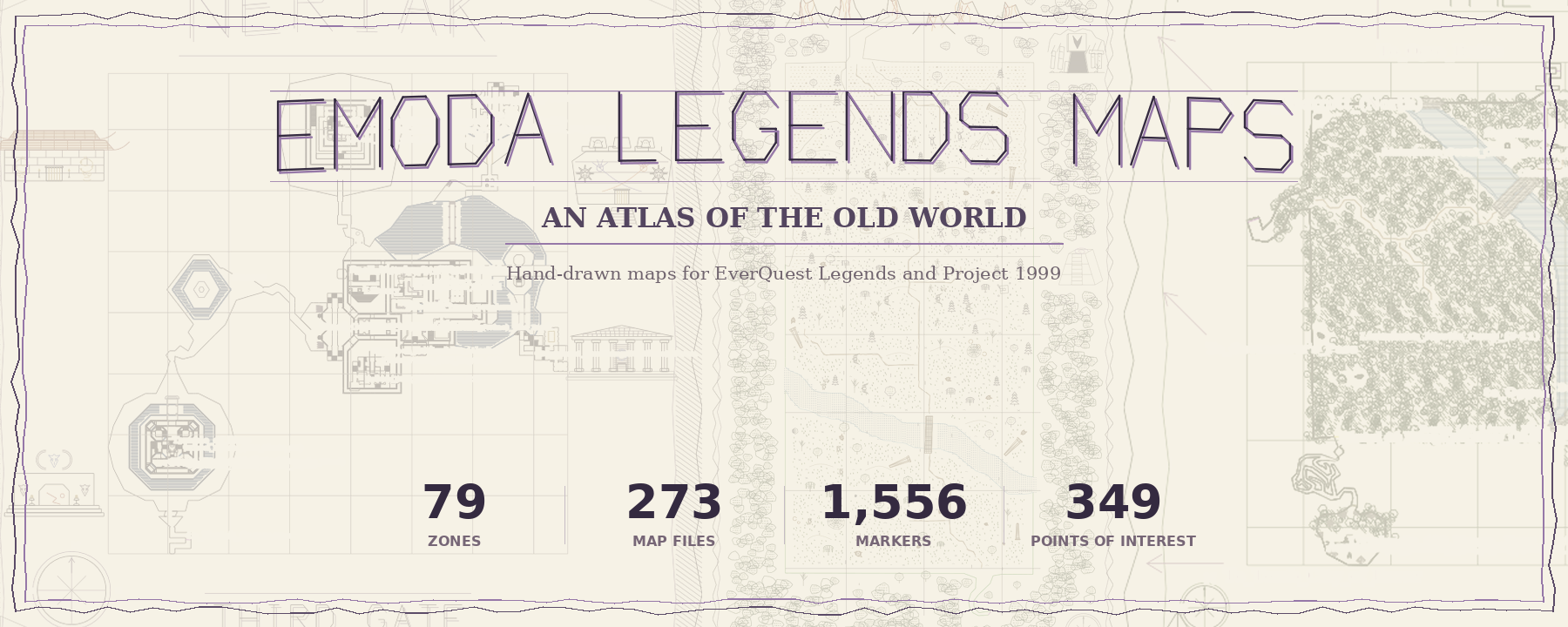
Emoda Legends Maps
A hand-drawn atlas of the Old World for EverQuest Legends and Project 1999.
Runs entirely in your browser — no install, nothing uploaded. The browser opens straight into the live maps.
How the previewer works
- Download the map pack from the latest release and extract it.
- Click Launch the Map Previewer above.
- Hit Open maps folder… and point it at your
Emoda Legends Mapsfolder. - Browse: filter zones, toggle layers (base / POI / deco / historical), labels on or off, drag to pan, wheel to zoom.
- Link straight to a zone:
preview.html?zone=unrest— the address bar follows whichever zone you pick, so any view is shareable. Add&layers=0,1or&labels=0to preset the toggles.
Also: a curated loot filter
Not a map, but handy — an auto-loot list for Emoda Legends that keeps motes, spell scrolls and
tradeskill materials, and vendors the rest. Drop LF_Emoda_Legends.ini into your
EverQuest Legends\userdata folder and pick it in the in-game loot filter window.